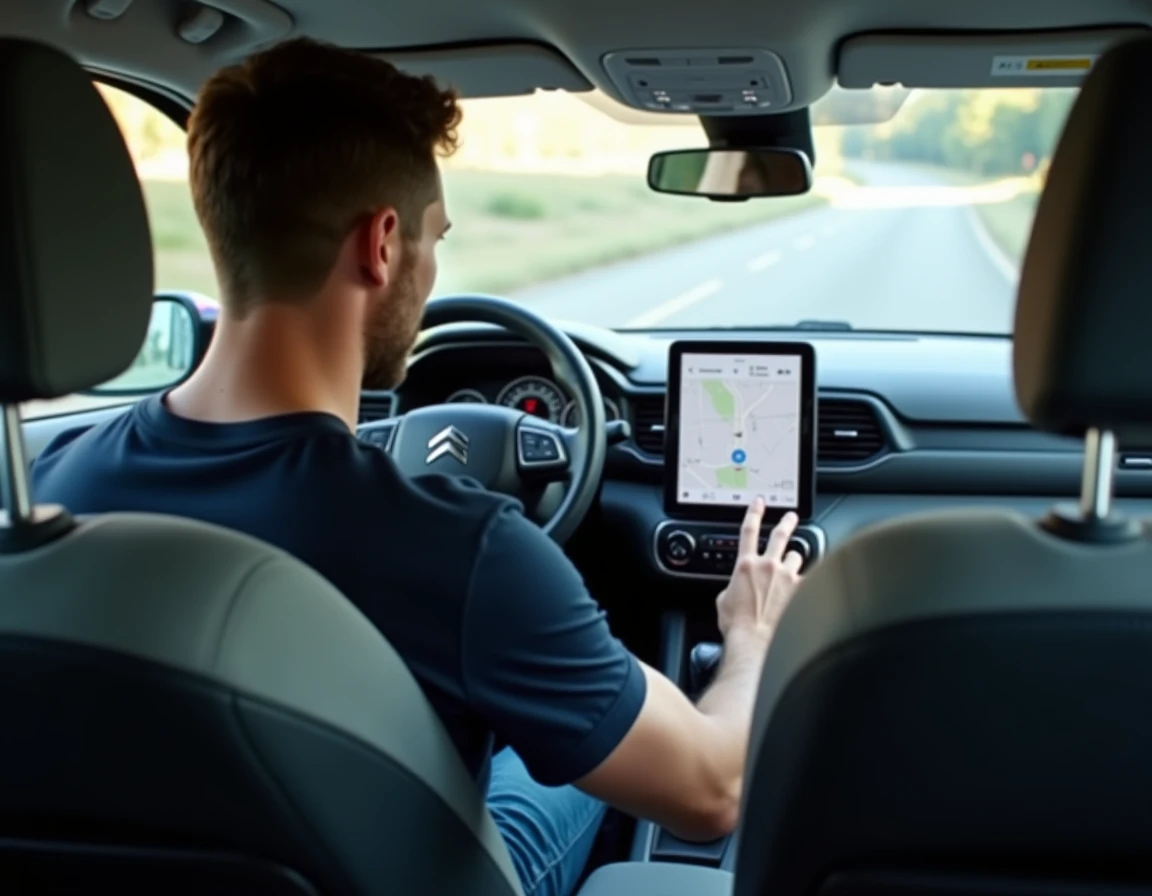
The multimedia system of the Citroën C3 Aircross includes mapping, firmware, and patches in a single update package. Confusing a simple map update with a complete system update can lead to handling errors, improperly formatted USB drives, and installations that fail midway. Here we detail the technical procedure, hardware pitfalls, and differences between vehicle generations.
Firmware and mapping C3 Aircross: two layers, one package

Since 2023, the files offered by Citroën combine mapping, the multimedia operating system software, and Bluetooth, Android Auto, and CarPlay compatibility patches. This monolithic approach explains the large file sizes and the installation duration, which is significantly longer than a simple map update.
The distinction matters at the time of download. On the HERE portal (citroen.navigation.com), the file offered for the C3 Aircross includes these three components. Attempting to extract only the mapping to save time results in a corrupted package that the system will refuse to install.
We observe that map updates (addition of low-emission zones, changes in speed limits, new roundabouts) are now more frequent, while major firmware updates remain spaced out and focused on the more recent generations of the multimedia system. Consulting the user manual for the Citroën C3 Aircross GPS allows you to check which firmware version is currently installed before starting the procedure.
Preparing the USB drive: formatting and file structure
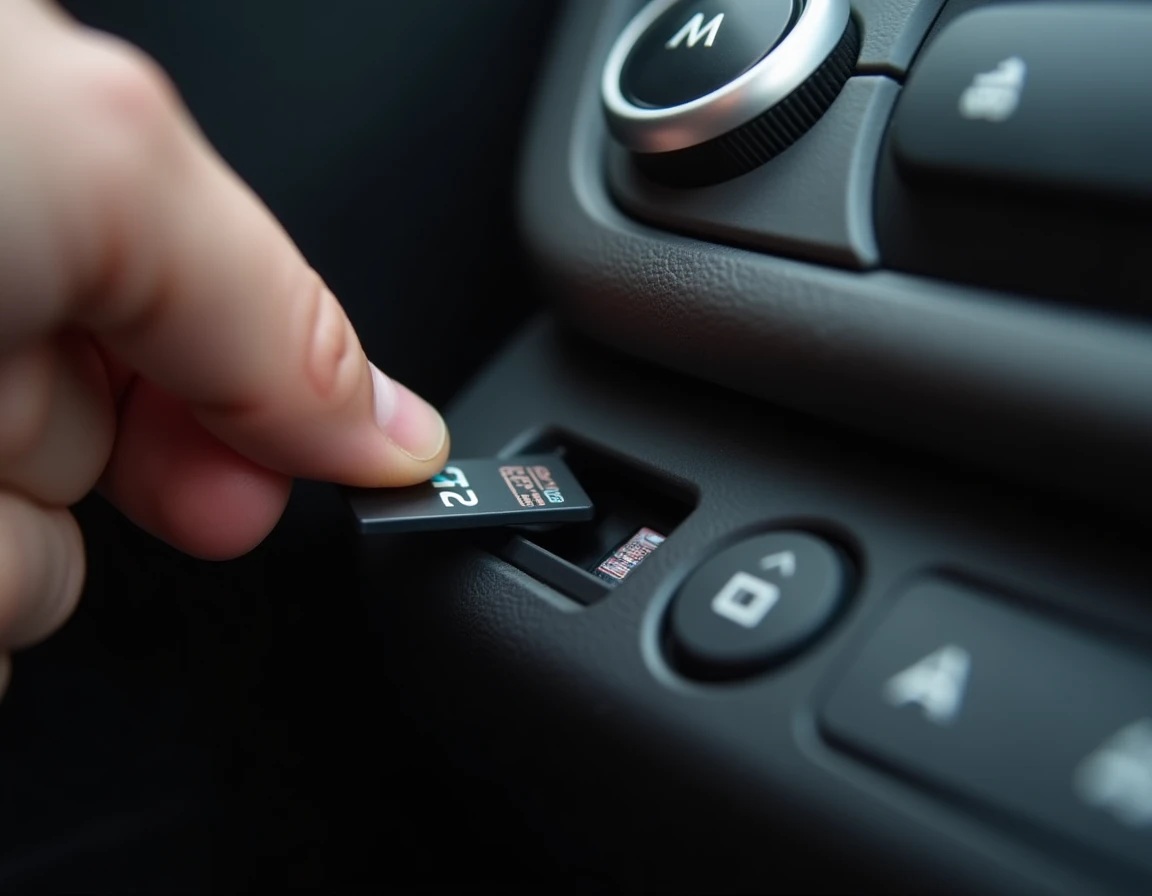
The majority of update failures stem from a poorly prepared USB drive. The Citroën navigation system imposes strict requirements that consumer guides rarely mention with sufficient accuracy.
- The drive must be formatted in FAT32, not exFAT or NTFS. On high-capacity drives, Windows defaults to exFAT, making the drive invisible to the embedded system.
- The uncompressed file must be located at the root of the drive, without any intermediate subfolder. If the downloaded file is a ZIP archive, its contents must be extracted directly to the root, not the archive itself copied.
- No other files should coexist on the drive. The presence of documents, photos, or old updates can cause a reading conflict and block the installation from the start.
- We recommend a drive of at least 16 GB, dedicated exclusively to vehicle updates, to avoid any accidental formatting of personal data.
Once the drive is ready, the vehicle must be stationary, with the engine running (or the ignition in accessory mode on thermal versions). On hybrid and electric models, the high-voltage battery must show a sufficient charge level to avoid a cutoff during installation.
GPS installation procedure on the Citroën multimedia system
Insert the USB drive into the dedicated port of the vehicle (usually located in the center console). The system automatically detects the file and offers the installation via a notification on the touchscreen.
Do not turn off the ignition during the entire installation process. An interruption during the firmware flashing can render the multimedia system unusable, requiring dealer intervention with a manufacturer diagnostic tool.
The installation occurs in several phases visible on the screen: file integrity check, firmware update, and then loading of the mapping. The system restarts automatically, sometimes multiple times. This behavior is normal and should not prompt you to remove the drive prematurely.
After the final restart, we recommend checking three points in the navigation system settings:
- The software version displayed in the “About” menu matches the one downloaded.
- The Bluetooth and Android Auto / CarPlay functions reconnect correctly to the smartphone.
- The newly created low-emission zones (ZFE) appear on the map, indicating that the mapping is up to date.
Differences between thermal C3 Aircross and ë-C3 Aircross electric
The generation of the vehicle significantly modifies the procedure. Thermal C3 Aircross models (first generation) use an older multimedia system whose updates occur exclusively via USB through the HERE portal.
The ë-C3 Aircross electric relies on a different electronic architecture. Recent versions include the possibility of OTA (over-the-air) updates for certain software components, reducing reliance on the USB drive. Mapping, however, often continues to transit via physical media due to the volume of data.
On the electric model, battery management during installation also differs: the vehicle can remain plugged into a charging station during the update, eliminating the risk of power interruption. On thermal versions, keeping the engine idling during a long installation remains the only reliable option.
Identifying the correct update file with the VIN number
The portal citroen.navigation.com requires the vehicle VIN number to offer the appropriate file. This number, engraved on the manufacturer’s plate and visible at the bottom of the windshield on the driver’s side, determines the generation of the multimedia system, the mapping area, and the compatible software version.
Entering an incorrect VIN or that of another Citroën vehicle will lead to downloading an incompatible package. The embedded system will reject the file during the integrity check, without an explicit error message. In case of doubt, the VIN is also found on the registration certificate (field E) and in the MyCitroën app.
Map updates cover defined geographical areas (Europe, Africa, Middle East). Checking geographical coverage before purchase avoids paying for an area that does not correspond to usual routes. The portal clearly displays the regions included in each package, sorted by continent.